# Amplitude
The Amplitude integration allows you to send funnel, quiz, and payment data directly to your Amplitude project.
Once enabled, Zellify automatically tracks user behavior across your funnels and reports it to Amplitude, allowing you to:
* Analyze funnel progression and drop-offs
* Segment users based on quiz answers
* Build behavioral cohorts
* Track revenue and subscription performance
* Keep all product and funnel analytics in one place
If Amplitude is your primary analytics tool, this integration ensures your funnel data is automatically synced.
***
### Enabling the Integration
To enable Amplitude:
Dashboard → Settings → Integrations\
1. Locate **Amplitude**
2. Toggle the integration on
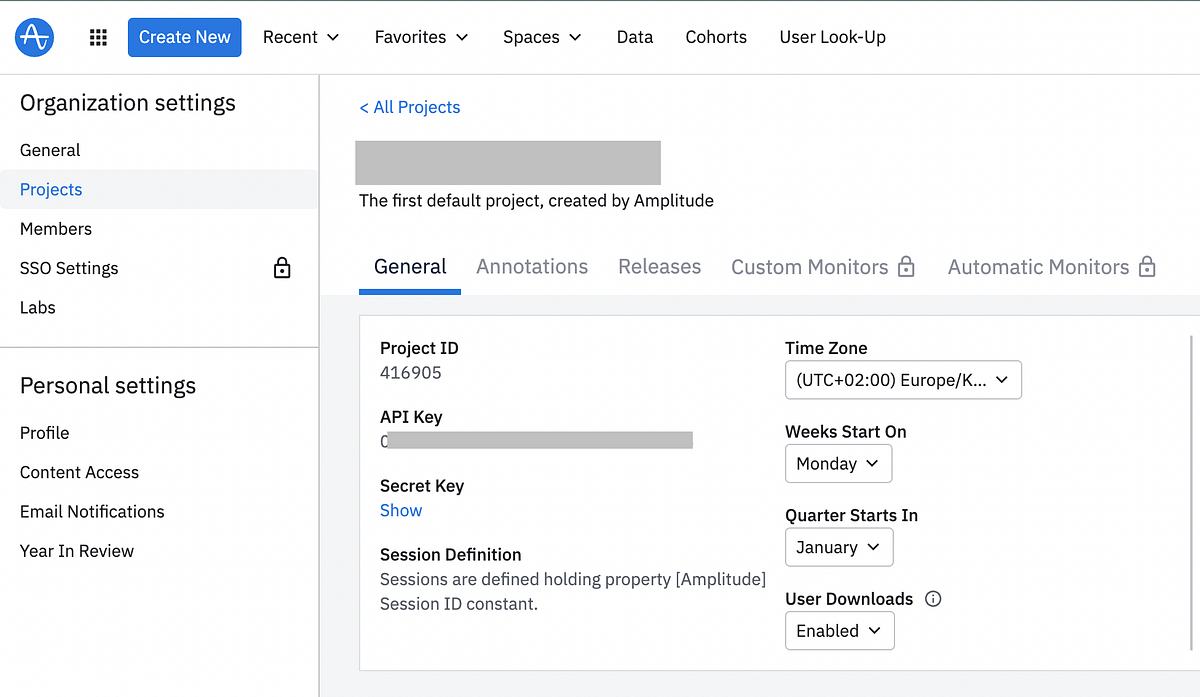
3. Enter your **Amplitude API Key**
4. Select your **Server Zone** (US or EU)
5. (Optional) Enable **Session Replay**
***
### Generating Your Amplitude API Key
To create an API key in Amplitude:
1. Go to your **Amplitude Dashboard**
2. Navigate to **Data → Sources**
3. Click **Add Source**
4. Select **JavaScript SDK**
5. Enter a name for the source
6. Copy the generated API Key
7. Paste the key into Zellify
***
## Data Sent to Amplitude
When the integration is enabled, Zellify automatically sends funnel interaction, lead capture, and payment events to Amplitude.
Below is a breakdown of what data you will receive.
***
### Funnel Interaction Events
Zellify sends events as users move through your funnel, including:
* z:page\_completed
* z:email\_captured
These events allow you to:
* Track user progression between steps
* Identify drop-off points
* Analyze performance per funnel
***
### Funnel Answers
User responses are sent to Amplitude in two ways.
#### On z:page\_completed
* All answers from the completed page are included as event properties
* The same answers are also stored as Amplitude user properties
This allows you to:
* Segment users based on specific answers
* Build cohorts using quiz responses
* Analyze behavior by answer combinations
#### On z:email\_captured
* All collected funnel answers (including metadata) are included in the answers property
This ensures you have access to the full quiz context when a user becomes identified.
***
### User Identification
When the z:email\_captured event fires:
* The user’s email is set as their Amplitude User ID
This ties all future events to the identified user, allowing for accurate user-level analysis and cohort building.
***
### Revenue & Subscription Events
Zellify sends checkout and subscription lifecycle events, including:
* z:checkout\_presented
* z:payment\_method\_added
* z:payment\_succeeded
* z:payment\_failed
* z:trial\_started
* z:subscription\_started
These events provide full visibility into the checkout and subscription journey.
#### Revenue Events
When z:payment\_succeeded fires:
* A revenue event is reported to Amplitude
* The event includes additional properties:
* price\_id
* payment\_type
* product\_name
* category
This allows you to:
* Analyze conversion rates
* Break down revenue by product
* Measure subscription performance
* Build revenue-based cohorts
***
### Automatic Tracking Features
When connected, the Amplitude SDK is automatically loaded on your funnel pages with the following tracking features enabled:
* Attribution
* File downloads
* Form interactions
* Sessions
* Element interactions
* Network tracking
* Web vitals
* Frustration interactions
#### Optional Settings
* Session Replay can be enabled with a configurable sample rate
* Server Zone (US or EU) is configurable
{% embed url="" %}