# Klaviyo
The Klaviyo integration allows you to automatically send user emails, funnel behavior, and purchase events to your Klaviyo account.
Once enabled, Zellify allows you to:
* Capture leads from your funnels and add them to Klaviyo lists
* Retarget users who drop off at the paywall
* Send personalized offers to users who didn’t purchase
* Segment audiences based on quiz answers and funnel behavior
* Trigger automated flows based on funnel and checkout events
If you use Klaviyo for email marketing, this integration ensures every lead captured in your funnels is automatically available for retargeting and automation.
***
### Enabling the Integration
To enable Klaviyo:
Dashboard → Settings → Integrations\
1. Locate **Klaviyo**
2. Toggle the integration on
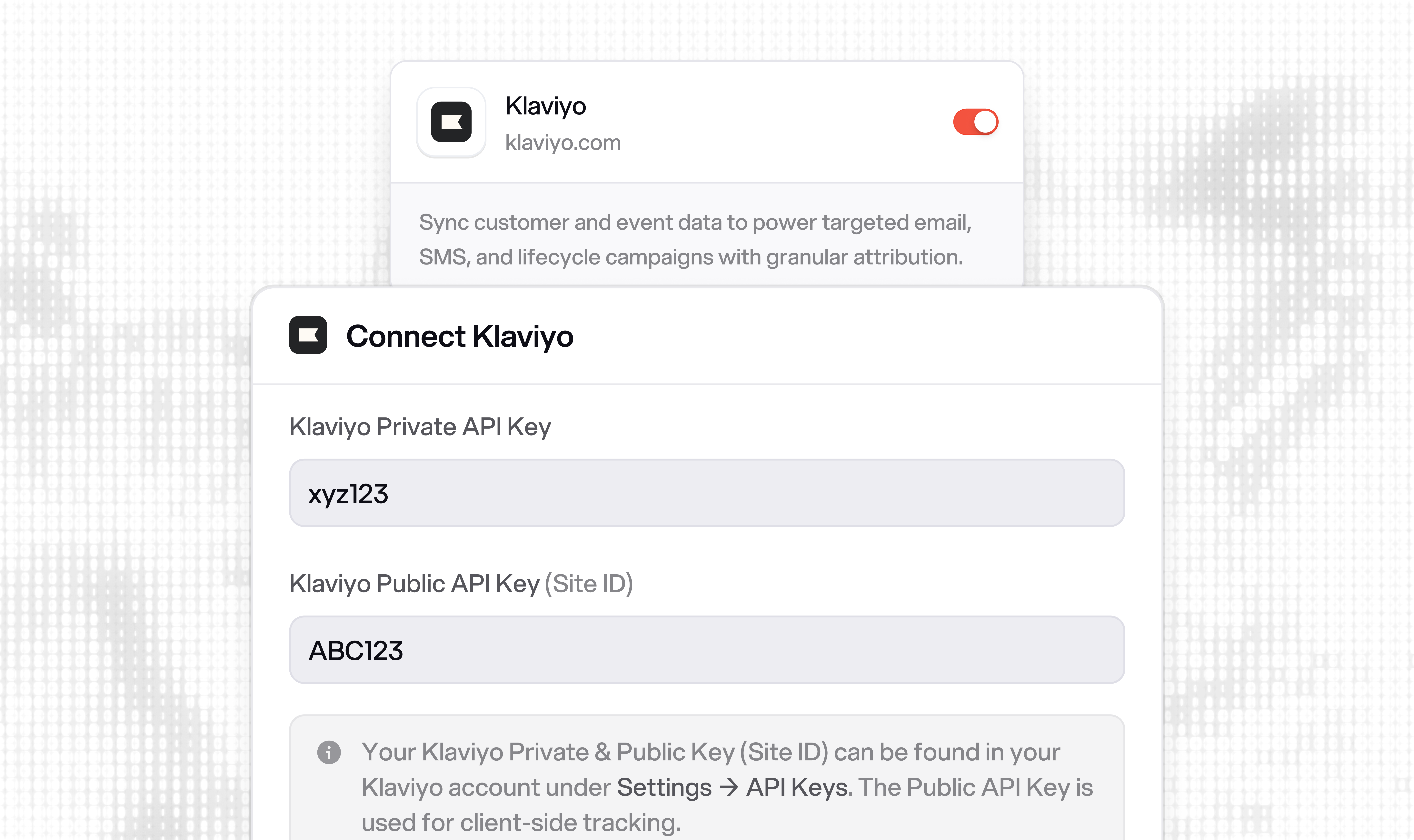
3. Enter your **Klaviyo Public API Key (Site ID)**
***
### Finding Your Klaviyo Public API Key
To find your API key in Klaviyo:
1. Go to your **Klaviyo Dashboard**
2. Navigate to **Settings → Account → API Keys**
3. Locate your **Public API Key (Site ID)**
4. Copy the key
5. Paste it into Zellify
***
### Configure Opt-in Process
To automatically add users to your Klaviyo lists, you need to configure the following setting.
1. Go to your **Klaviyo Dashboard**
2. Navigate to **Lists & segments → Select your List → Settings → Consent**
3. Scroll to **Opt-in process**
4. Enable **Single opt-in**
***
## Syncing Leads to a Klaviyo List
The primary use case for this integration is syncing email leads from your funnels directly into a Klaviyo list.
To enable list syncing:
1. Open a **Campaign** in the Zellify dashboard
2. Go to **Campaign Settings**
3. Toggle on **Sync email leads to Klaviyo**
4. Enter your **Klaviyo List ID**
When a user submits their email in that campaign’s funnel, they are automatically subscribed to the specified Klaviyo list.
This is configured per campaign, allowing you to route leads from different funnels into different Klaviyo lists.
***
## What Happens When an Email Is Captured
When a user provides their email in a funnel, Zellify:
* Creates or updates a Klaviyo profile using the user’s email
* Enriches the profile with available location data (country, city, region)
* Subscribes the user to the configured Klaviyo list (if enabled)
* Sends a **Signed Up** event to Klaviyo with funnel context
From there, you can:
* Trigger flows based on the Signed Up event
* Target the synced list in campaigns
* Segment users based on funnel behavior
***
## Retargeting Non-Purchasers
A common use case is retargeting users who provided their email but did not complete a purchase.
Zellify sends checkout and payment events to Klaviyo, including:
* **Started Checkout** — The user saw the payment form
* **Placed Order** — The user completed a purchase
Using these events, you can build a Klaviyo flow that:
1. Triggers on **Signed Up**
2. Waits a defined period
3. Checks whether **Placed Order** has occurred
4. If not, sends a follow-up email
This allows you to recover users who dropped off at the paywall automatically.
***
## Funnel Answers as Profile Properties
When a user completes a funnel page, their answers are synced to their Klaviyo profile as properties.
This allows you to:
* Segment users based on quiz or survey responses
* Personalize email content using profile properties
* Build targeted audiences based on specific answers
***
## Events Sent to Klaviyo
Zellify sends the following events to Klaviyo:
| Funnel Event | Klaviyo Event Name |
| -------------------- | -------------------- |
| Page view | Viewed Page |
| Lead | Lead Captured |
| Page completed | Completed Page |
| Email captured | Signed Up |
| Checkout presented | Started Checkout |
| Payment method added | Added Payment Method |
| Payment succeeded | Placed Order |
| Trial started | Started Trial |
| Subscription started | Started Subscription |
These events can be used as:
* Triggers in Klaviyo flows
* Conditions in segments
* Filters for targeted campaigns
{% embed url="" %}